
1 month
$18 per month
One month at a time
Try the full service first
Order 1 month (opens WhatsApp in a new tab)Getting IPTV on a Firestick in Kuwait takes a few minutes. Below you will find which Fire TV models work best, a numbered setup guide, tips for smooth 4K and how to order your IPTV Kuwait subscription.
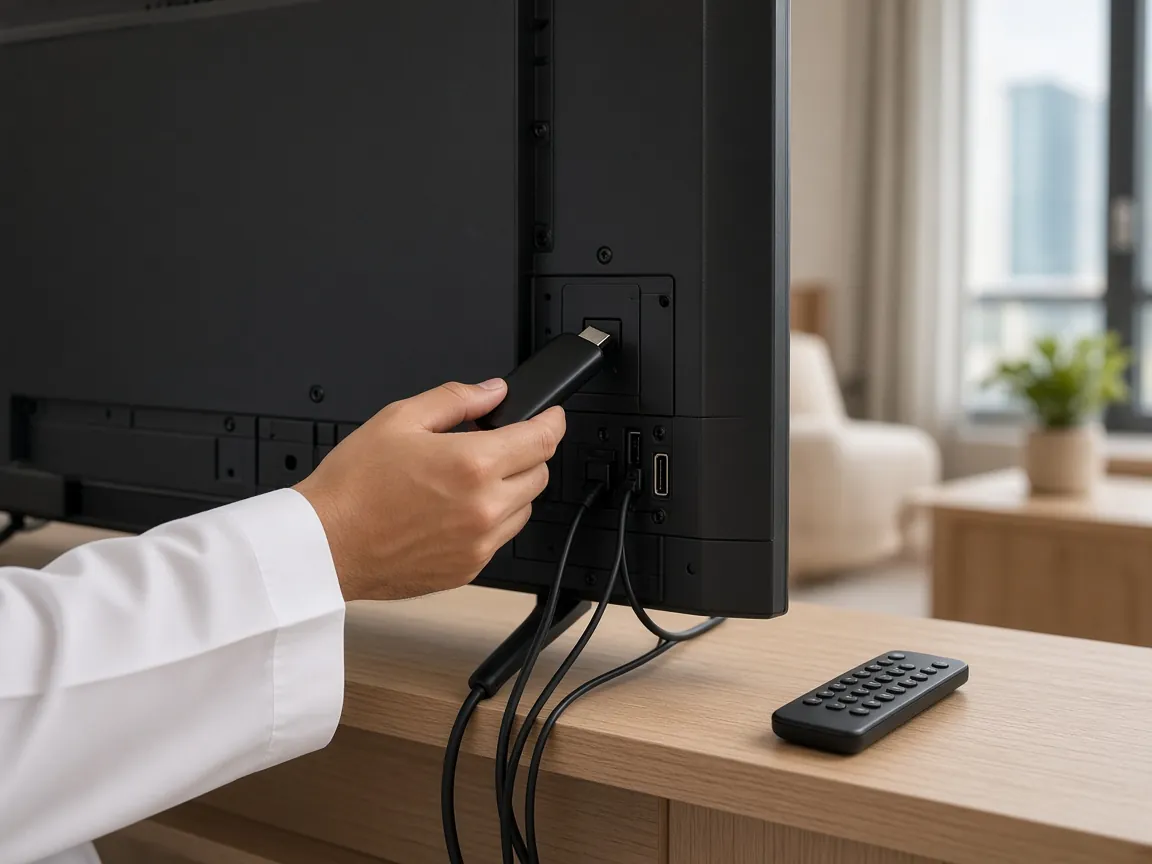
The Amazon Fire TV Stick is one of the most popular ways to watch IPTV in Kuwait, and for good reason. It plugs straight into any TV with an HDMI port, it comes with a simple remote, and it runs IPTV player apps quickly enough to scroll through a large channel list without fuss. It turns an older non-smart TV into a full IPTV screen, and it is small enough to move from the living room to a bedroom, or to pack when you travel to a holiday flat.
Because it uses the same Fire TV system on every model, the setup steps below work whether you own a basic HD stick or a 4K model. Once it is running, your IPTV Kuwait login gives you 70,000+ live channels and 400,000+ movies and series on the stick.
All current Fire TV devices can run an IPTV player app, but they are not equally suited to every TV:
Older generation sticks still work, but they can feel slow with very large channel lists. If yours struggles, clearing the app cache (see the tips below) often helps before you think about replacing it. Comparing hardware more broadly? Read our IPTV box Kuwait guide.
Stuck on a step? Send us a photo of your TV screen on WhatsApp. Our technical support team is available 24/7 and can tell you exactly what to press next.
Check each character carefully, especially capital letters, zeros and the letter O, and make sure there are no spaces at the end. If it still fails, message us and we will verify your details.
Restart the stick and the router, move closer to the router or switch to 5 GHz, and try the same channel in a lower quality. Our guide to fixing IPTV buffering in Kuwait covers every network fix.
Open the Fire TV display and sound settings and set audio to Best available or PCM, then reopen the app.
No. “Jailbreaking” usually just means installing apps from outside the Appstore. You never need to modify the stick itself, and you should avoid preloaded “jailbroken” sticks or bundles of unknown apps. Install only the player app we recommend.
You can install the app on every Fire TV device in your home. How many screens can play at the same time depends on your subscription, so let us know on WhatsApp how many you need.
Yes, if you use a 4K model connected to a 4K TV and your internet connection has enough headroom. HD-only sticks show the same channels in HD.
Apps occasionally change or move. Message us and we will recommend an alternative that works with your IPTV Kuwait login; your subscription is not tied to one app.
Ready to watch on your Fire TV Stick? Compare IPTV Kuwait prices, or contact us on WhatsApp if you have a question about your model. You can also return to the IPTV Kuwait homepage.
Plans
The same login works on every device in this guide. Pick a plan and we will send your details on WhatsApp, or compare all IPTV Kuwait prices first.
$18 per month
One month at a time
Try the full service first
Order 1 month (opens WhatsApp in a new tab)$35 for 3 months
$11.67 per month
Save $19 vs paying monthly
Order 3 months (opens WhatsApp in a new tab)$50 for 6 months
$8.33 per month
Save $58 vs paying monthly
Order 6 months (opens WhatsApp in a new tab)Best value
$79 for 12 months
$6.58 per month
Save $137 vs paying monthly
Order 12 months (opens WhatsApp in a new tab)Every plan includes
Plans from $18. Message us on WhatsApp, pay, and receive your login details with setup steps for your device. 24/7 technical support included.