
IPTV Apple TV Guide: Watch on Apple TV, iPhone and iPad

IPTV on Apple TV gives you a fast, polished big-screen experience, and the same IPTV Kuwait login also works on iPhone and iPad when you want to watch in another room. Here is how to set it up on every Apple device.
Last updated:

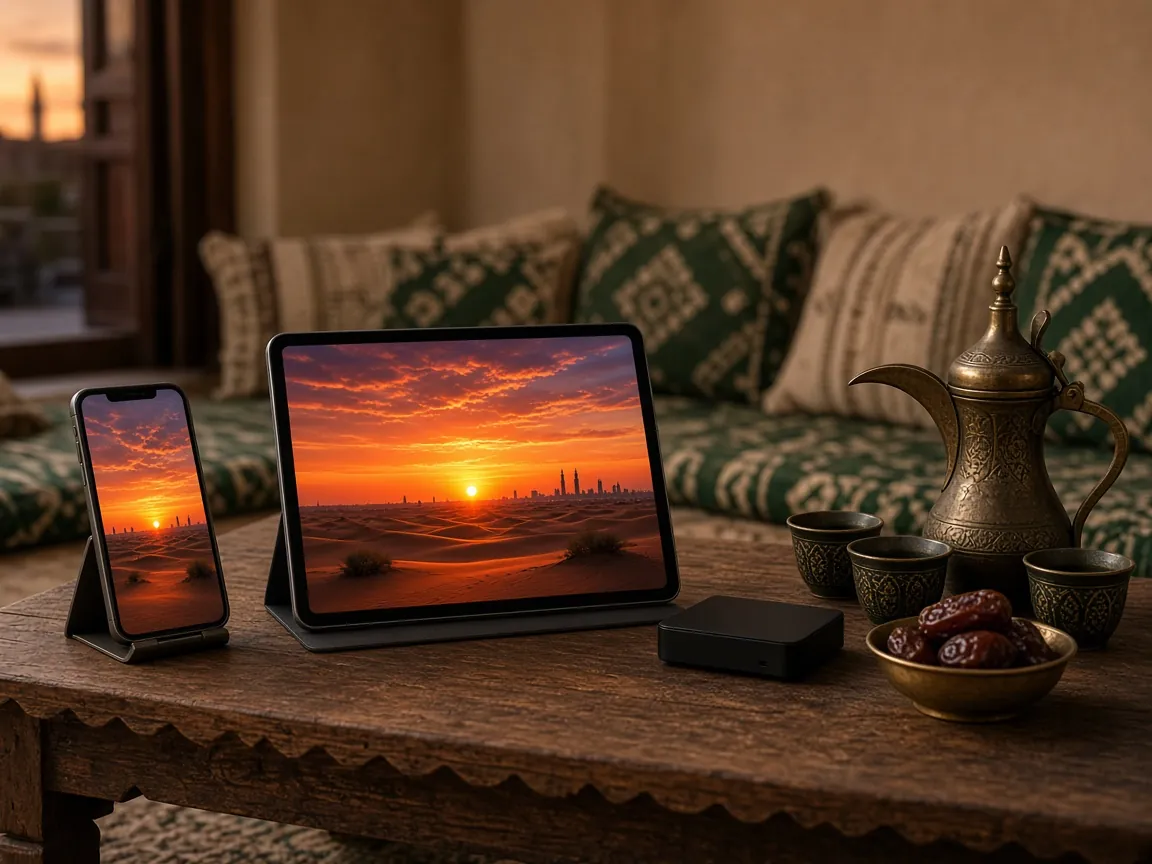
iPhone, iPad and a streaming box on a table in a Kuwaiti majlis
On this page
  1. Which Apple devices work with IPTV Kuwait?
  2. How to set up IPTV on Apple TV
  3. How to watch IPTV on iPhone and iPad
  4. Send IPTV from your iPhone to the TV with AirPlay
  5. Apple TV, iPhone or iPad: which to use when
  6. Tips for the best experience on Apple devices
  7. IPTV Apple TV and iPhone FAQ

Which Apple devices work with IPTV Kuwait?

Apple devices are among the smoothest ways to watch IPTV in Kuwait. The hardware is fast, the App Store has several capable IPTV players, and Apple keeps devices updated for years. Your IPTV Kuwait subscription works on:

  • Apple TV 4K and Apple TV HD on the living-room TV. Apple TV 4K shows 4K and HDR channels at their best.
  • iPhone, for watching in bed, in the kitchen or wherever your Wi-Fi reaches.
  • iPad, with its larger screen, ideal for children’s programmes or a series in a second room.
  • Mac computers, using a compatible player app for macOS.

Keep each device on the latest version of tvOS, iOS or iPadOS. Player apps are updated for current systems, and older versions are the usual reason an app refuses to install.

How to set up IPTV on Apple TV

  1. Update your Apple TV. Go to Settings → System → Software Updates and install any update.
  2. Open the App Store on the Apple TV and choose Search.
  3. Find the player app named in your WhatsApp setup message. Dictate the name with the Siri Remote to save typing.
  4. Install and open it. Choose Get, wait for the download, then open the app.
  5. Add your IPTV Kuwait login. Choose the option that matches the details we sent you: a username, password and server address, or a playlist link. Many players also let you type the details on your iPhone, which is much faster.
  6. Wait for the first load. The app downloads the channel list, library and programme guide. This takes longer the first time only.
  7. Organise your favourites. Add the channels you watch most, then test a 4K channel if you have an Apple TV 4K and a 4K TV.

How to watch IPTV on iPhone and iPad

  1. Open the App Store on your iPhone or iPad and search for the recommended player app.
  2. Install the app and allow it to access your local network if it asks. Some players need this to cast to your TV.
  3. Add your login details exactly as we sent them. You can copy and paste them straight from our WhatsApp chat, which avoids typing mistakes.
  4. Let the channels load, then browse by category or search for a title in the on-demand library.
  5. Choose your quality. On mobile data or weak Wi-Fi, pick HD or SD versions of channels to keep playback smooth and save data.
  6. Use picture-in-picture, if the app supports it, to keep a match playing while you reply to messages.

Watching on mobile data? Streaming uses a lot of data, and 4K uses far more than SD or HD. Check your mobile plan’s allowance before you watch long matches away from Wi-Fi.

Send IPTV from your iPhone to the TV with AirPlay

If you have an Apple TV or an AirPlay-compatible Smart TV, you can start a channel on your iPhone and send it to the big screen:

  1. Connect both devices to the same Wi-Fi network.
  2. Start a channel or film in the player app on your iPhone or iPad.
  3. Tap the AirPlay icon in the player, or open Control Centre and choose Screen Mirroring.
  4. Select your TV. The picture moves to the TV while your phone works as a remote.

AirPlay is handy for a quick session, but for everyday viewing, installing the app directly on Apple TV gives a sharper picture and leaves your phone free.

Apple TV, iPhone or iPad: which to use when

Most households in Kuwait end up using more than one Apple device, and each suits a different moment:

  • Apple TV for the main screen. It gives the sharpest picture, the steadiest connection (especially on Ethernet) and a remote the whole family can use. It is the best choice for live matches, films in 4K and evening viewing together.
  • iPad for a second room. The larger screen is ideal for children’s channels in a bedroom or for following a series in the kitchen, and it is easy to hand around.
  • iPhone for quick viewing. Check the score, catch the news or watch an episode in bed. On mobile data, choose lower-quality versions of channels to save your allowance.

Because the same IPTV Kuwait login works on all of them, you only need to set up each device once. Favourites and settings are stored in each app separately, so it is worth adding your favourite channels on every device you use regularly.

Tips for the best experience on Apple devices

  • Turn on Match Content on Apple TV 4K under Settings → Video and Audio → Match Content, so the TV switches to the right frame rate and dynamic range for each channel.
  • Use Ethernet on Apple TV models that have a port, especially for 4K.
  • Restart occasionally. On Apple TV, go to Settings → System → Restart if the app becomes sluggish.
  • Keep storage free on older Apple TV HD models, so the app has room for the programme guide.

IPTV Apple TV and iPhone FAQ

Are the IPTV player apps for Apple devices free?

Some players are free and some charge their own in-app purchase or subscription to the app developer. We tell you which applies to the app we recommend before you install it.

Can I use the same login on Apple TV and iPhone?

Yes, you can add your IPTV Kuwait login to every Apple device you own. How many can play at the same moment depends on your subscription, so ask us on WhatsApp if you need several screens at once.

Why does the app ask me to add a playlist or server?

Player apps contain no channels by themselves. Adding your IPTV Kuwait details is what connects the app to your subscription.

Does IPTV Kuwait work on a Mac?

Yes, with a compatible IPTV player for macOS. Message us and we will recommend one.

Set up and ready? Pick your IPTV Kuwait plan, or message our team with any questions about your Apple device. Back to the IPTV Kuwait homepage.

Plans

Choose your IPTV Kuwait plan

The same login works on every device in this guide. Pick a plan and we will send your details on WhatsApp, or compare all IPTV Kuwait prices first.

Every plan includes

  • 70,000+ live channels
  • 400,000+ movies and series
  • SD, HD, FHD and 4K quality
  • Smart TV, Firestick, Apple, Android and computers
  • 24/7 technical support on WhatsApp

Ready to watch? Start your IPTV Kuwait subscription today

Plans from $18. Message us on WhatsApp, pay, and receive your login details with setup steps for your device. 24/7 technical support included.